
As technology evolves at a blistering pace, Artificial Intelligence (AI) is no longer just a buzzword; it has become an essential tool for developers across every field. From mobile apps to web solutions, AI has become deeply integrated into the development lifecycle, enabling developers to automate repetitive tasks, enhance code quality, and create more intelligent applications. AI is not about replacing developers; it’s about empowering them to be more creative, efficient, and productive.
Think about it: AI tools can suggest code, test software, and even help predict bugs before they occur. Whether you’re building a mobile app, website, game, or software solution, these tools streamline the development process and bring a new level of efficiency to your projects. Today, we’re diving into the top AI tools that can transform your workflow.
In this guide, I’ll walk you through the best AI tools for developers across various fields, including mobile app development, web development, game development, software engineering, and even career advancement. These tools can help you become faster, wiser, and more accurate in your work.
Importance of AI in Development
The integration of AI into development workflows has become a game-changer. As a developer, you already have a demanding job that requires constant attention to detail, innovation, and problem-solving. AI helps you streamline repetitive tasks, reduce human error, and automate processes that typically consume valuable time.
Utilize code completion tools like GitHub Copilot, which utilize AI to suggest code snippets, thereby saving time and reducing errors. Or SonarQube, which uses AI to analyze your code and identify bugs or security vulnerabilities that you might have missed. These tools are not just for automating tasks; they also help improve the quality of your code, making your workflow smoother and faster.
Key Benefits of AI Tools in Development:
- Increased Efficiency: AI can handle repetitive tasks, freeing up time for more creative and strategic work.
- Error Reduction: With tools that suggest code or auto-correct errors, you’ll produce cleaner code.
- Faster Development: By automating testing, code generation, and bug detection, AI can help developers launch projects faster.
- More innovative Applications: AI allows your applications to become smarter—whether that means intelligent user experiences or automated decision-making.
AI Tools for Mobile App Development
Mobile apps are the backbone of modern technology, and as developers, we’re always looking for ways to build more innovative, more intuitive apps. AI tools can assist with everything from app optimization to creating advanced features, such as personalized recommendations, voice recognition, and real-time analytics.
You can also explore AI tools for mobile app development to find useful tools for Android and iOS projects.
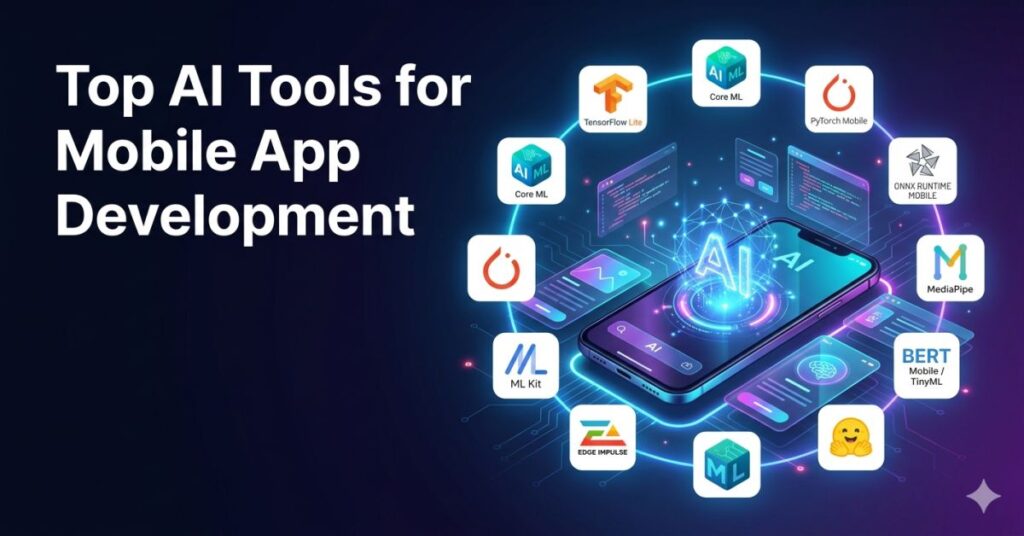
Top AI Tools for Mobile App Development
1.TensorFlow Lite
TensorFlow Lite is Google’s lightweight solution for running machine learning models on mobile devices. Whether you’re building an Android or iOS app, TensorFlow Lite allows you to run models on-device, ensuring faster performance and increased privacy as data doesn’t need to be sent to the cloud.
Why it’s excellent: TensorFlow Lite is optimized for mobile, offering a fast and low-latency solution without compromising quality.
2. Core ML
Core ML is Apple’s framework for integrating machine learning into iOS apps. It supports a wide range of models, from image classification to natural language processing. Core ML is incredibly fast and efficient on Apple devices, leveraging the hardware for seamless integration with apps.
Why it’s great: It seamlessly integrates machine learning with iOS, enabling developers to deploy intelligent features in their mobile apps quickly.
3.PyTorch Mobile
PyTorch Mobile is the mobile version of the popular deep learning framework PyTorch. It enables developers to deploy deep learning models directly on mobile devices, providing the flexibility and power of PyTorch with optimized mobile performance.
Why it’s great: It brings the full power of PyTorch to mobile devices, making it ideal for complex AI applications, such as image recognition.
4. ONNX Runtime Mobile
ONNX Runtime Mobile is a cross-platform machine learning framework that allows for the deployment of AI models on mobile devices, supporting multiple model formats. It’s designed for fast inference and low-latency performance on mobile, providing high efficiency and flexibility.
Why it’s excellent: ONNX Runtime Mobile provides model portability across various frameworks, making it a versatile choice for developers seeking flexibility in their mobile AI projects.
5. Google ML Kit
Google ML Kit offers a suite of on-device machine learning APIs that enable developers to integrate features such as text recognition, face detection, barcode scanning, and more. It’s a robust and straightforward solution for adding machine learning to mobile apps with minimal setup.
Why it’s great: It offers simple integrations with high-performance capabilities, making machine learning more accessible for mobile app developers.
6.MediaPipe
MediaPipe, developed by Google, is a cross-platform framework for building multimodal applied machine learning pipelines. It’s designed for tasks like face detection, object detection, and gesture recognition, offering pre-built models for everyday use cases.
Why it’s excellent: MediaPipe provides ready-to-use solutions for complex media processing tasks, enabling developers to build advanced features like real-time video analysis easily.
7. Edge Impulse
Edge Impulse is a platform for building and deploying machine learning models on edge devices, such as smartphones and embedded systems. It helps developers create AI models optimized for mobile and embedded devices with tools to collect, process, and train on-device data.
Why it’s great: It simplifies the process of training and deploying models on edge devices, reducing reliance on the cloud and improving privacy and latency.
8. Create ML
Create ML is a framework by Apple for building machine learning models directly on macOS devices. It simplifies the training process with a user-friendly interface, enabling developers to create models for iOS apps without needing advanced knowledge of machine learning.
Why it’s excellent: Create ML makes machine learning accessible to developers, offering a no-code solution for integrating AI into iOS apps.
9. Hugging Face Transformers (mobile-friendly)
Hugging Face provides mobile-friendly versions of its popular Transformer models for natural language processing. These models, optimized for mobile devices, enable tasks such as text generation, sentiment analysis, and translation, offering high-quality NLP capabilities on mobile devices.
Why it’s excellent: Hugging Face brings cutting-edge NLP models to mobile, empowering developers to add intelligent language processing features to their apps.
10. BERT Mobile / TinyML Implementations
BERT Mobile and TinyML implementations offer optimized versions of the BERT model for mobile devices, enabling the execution of complex natural language processing tasks, such as question answering and sentiment analysis, directly on the device.
Why it’s great: These mobile-optimized versions of BERT bring powerful NLP capabilities to mobile apps while maintaining performance and efficiency.
AI Tools for Web Development
Web development is a constantly evolving field, with developers seeking ways to make websites more interactive, user-friendly, and responsive. AI tools for web development can automate design processes, enhance user experiences, and even provide real-time content recommendations.
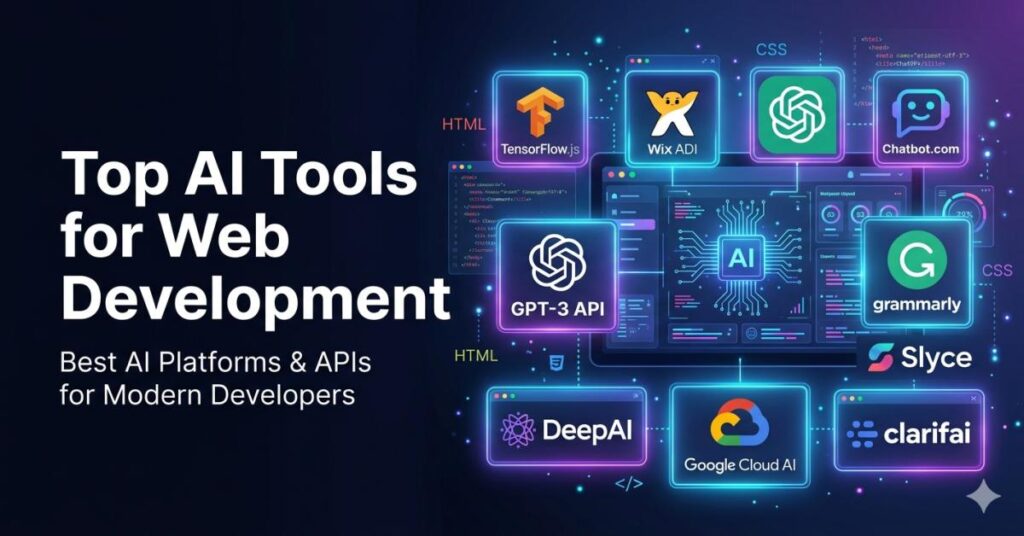
Top AI Tools for Web Development
- TensorFlow.js
TensorFlow.js is a library that allows you to build and train machine learning models directly in the browser. It’s an excellent tool for developers looking to add interactive AI features to their websites.
Why it’s great: Runs entirely in the browser, so there’s no need for server-side processing—ideal for building lightweight, responsive web applications.
- Wix ADI (Artificial Design Intelligence)
Wix’s ADI is a website builder powered by AI. It asks you a few questions about your needs and then generates a custom website design tailored to your requirements.
Why it’s great: Perfect for quick website design, especially for those who don’t have extensive design skills.
- ChatGPT for Web Dev
ChatGPT, an AI model developed by OpenAI, is not just a chatbot; it can assist web developers by providing code suggestions, fixing bugs, and even explaining complex code.
Why it’s great: It’s like having a coding assistant right at your fingertips—ideal for debugging and speeding up development.
- Chatbot.com
This AI tool helps developers build and deploy chatbots for websites. It provides easy-to-use templates and drag-and-drop functionality, enabling developers to create conversational interfaces.
Why it’s great: Makes it simple for web developers to add chatbots and interactive support systems to websites.
- GPT-3 API
OpenAI’s GPT-3 API is one of the most advanced language models available. It can generate human-like text, making it ideal for creating personalized content, answering questions, or even generating code.
Why it’s great: It’s incredibly versatile—whether you need content generation, code help, or user engagement, GPT-3 can handle it.
- Grammarly
Grammarly isn’t just for content writers; it’s also a fantastic tool for web developers. Whether you’re working on documentation, blog posts, or on-page SEO content, Grammarly uses AI to improve readability, grammar, and style.
Why it’s great: Ensures high-quality content creation with real-time grammar and style suggestions.
- Slyce
Slyce provides AI-powered visual search and image recognition tools that web developers can use for e-commerce sites. It allows users to search for products by taking pictures or uploading images.
Why it’s great: Ideal for e-commerce websites that want to implement advanced image search features.
- DeepAI
DeepAI offers a variety of APIs for text analysis, image recognition, and even art generation. It’s perfect for web developers who want to add smart AI capabilities to their websites.
Why it’s great: The APIs are easy to integrate and provide powerful AI features like sentiment analysis and object detection.
- Google Cloud AI
Google Cloud AI provides a wide range of machine learning APIs and tools, from language translation to image recognition. With Google’s powerful infrastructure, developers can scale their web applications quickly.
Why it’s great: Trusted by large enterprises, it provides high-performance AI capabilities for web development.
- Clarifai
Clarifai is a tool that focuses on visual recognition. It offers an API that can automatically tag, filter, and categorize images, which is especially useful for websites that feature large image databases.
Why it’s great: Perfect for websites that need to process and categorize images automatically.
AI Tools for Game Development
In the world of game development, AI plays a critical role in enhancing player experiences, creating intelligent NPCs (Non-Player Characters), and generating dynamic content. As games become more complex, AI is helping developers build more immersive, adaptive, and responsive game worlds.
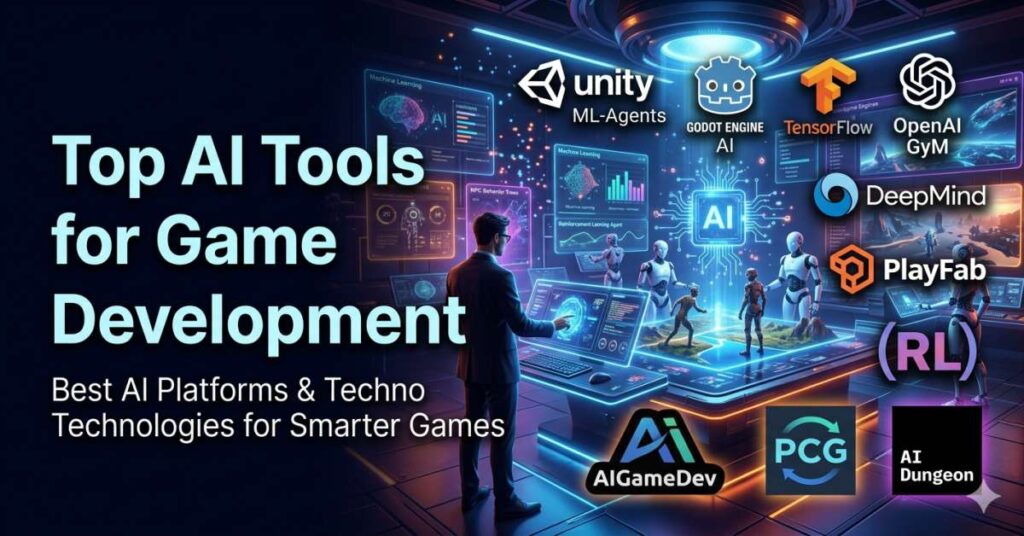
Top AI Tools for Game Development
- Unity ML-Agents
Unity ML-Agents is a toolkit that enables developers to integrate machine learning into Unity-based games. It allows the creation of smarter NPCs and dynamic environments, making games more interactive and challenging.
Why it’s great: It combines Unity’s powerful game engine with machine learning, allowing for dynamic and intelligent game experiences.
- Godot Engine AI
Godot is an open-source game engine with built-in AI features like pathfinding, behavior trees, and more. It’s a great tool for indie game developers or smaller teams who want to create complex AI-driven behaviors in their games.
Why it’s great: It’s open-source, lightweight, and provides AI tools that are easy to implement.
- TensorFlow for Game Development
TensorFlow can be applied to game development for machine learning-based features such as procedural content generation, smart NPCs, and player behavior prediction.
Why it’s great: Provides a flexible and robust machine learning framework, perfect for building AI-driven features in games.
- OpenAI Gym
OpenAI Gym is an open-source toolkit for developing and comparing reinforcement learning algorithms. Developers can use it to test AI agents in game-like environments and simulate complex gameplay strategies.
Why it’s great: Great for developers looking to experiment with reinforcement learning techniques in game development.
- DeepMind
DeepMind’s research in AI has led to groundbreaking advancements in game AI. Developers use DeepMind’s algorithms to train AI agents to play games like humans, creating smarter NPCs and dynamic game mechanics.
Why it’s great: Cutting-edge AI research applied to game development, resulting in smarter game agents and more engaging gameplay.
- PlayFab
PlayFab is a backend platform that offers AI-driven analytics, player matchmaking, and real-time game services. It’s ideal for online multiplayer games that require real-time player interactions and insights.
Why it’s great: It provides AI-powered tools for managing and scaling online multiplayer games, making it easier to optimize player engagement and performance.
- Reinforcement Learning (RL)
Reinforcement Learning allows NPCs to adapt and learn based on player actions. RL agents learn through trial and error, enabling smarter and more adaptive AI-driven gameplay.
Why it’s great: It allows for the creation of intelligent, evolving game agents that improve based on player interactions.
- Artificial Intelligence for Games (AIGameDev)
AIGameDev is a resource hub for developers looking to integrate AI into games. It offers tutorials, articles, and tools focused on game AI, including pathfinding, AI behaviors, and learning algorithms.
Why it’s great: A comprehensive resource for developers wanting to understand and apply AI to games.
- Procedural Content Generation (PCG)
Procedural Content Generation uses AI to create dynamic, infinite game content like levels, environments, and challenges. This is particularly useful in creating vast, procedurally generated worlds.
Why it’s great: It reduces the manual effort of level design and opens the door to endless gameplay possibilities.
- AI Dungeon
AI Dungeon uses GPT-3 to generate dynamic, text-based adventures where the storyline adapts based on player input. This allows for an immersive narrative experience that is completely driven by AI.
Why it’s great: Perfect for game developers interested in integrating advanced AI-driven storytelling into their games.
AI Tools for Software Development
In software development, AI tools are crucial for automating testing, generating code, debugging, and optimizing performance. With the help of AI, software developers can focus more on the creative and strategic aspects of their projects while leaving repetitive tasks to be handled automatically.
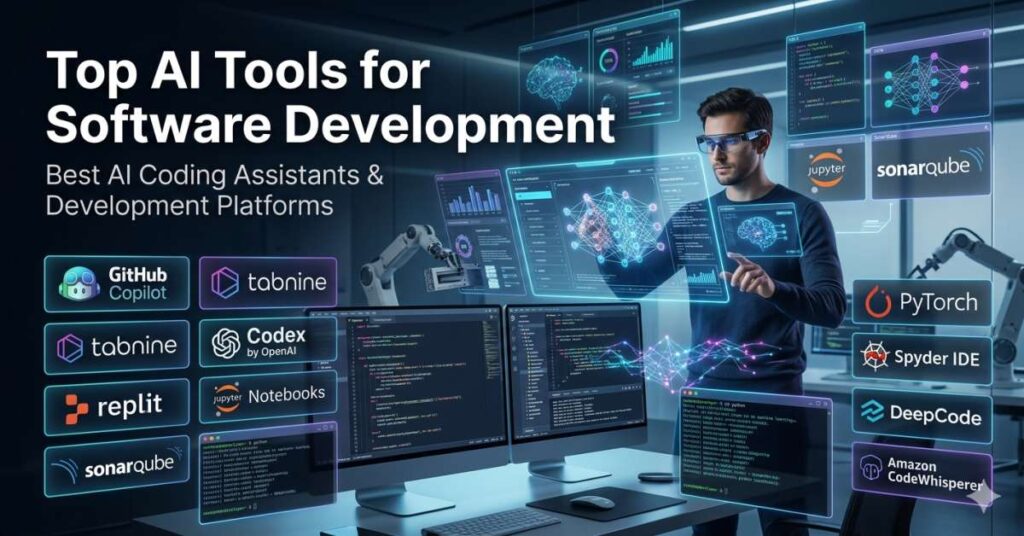
Top AI Tools for Software Development
- GitHub Copilot
GitHub Copilot is an AI-powered code completion tool developed by OpenAI and GitHub. It suggests entire lines or blocks of code based on the context of what you’re writing.
Why it’s great: It significantly speeds up coding by providing real-time suggestions, making coding more efficient and less error-prone.
- Tabnine
Tabnine is an AI-driven code completion tool that integrates with many IDEs. It provides suggestions based on the context of the code you’re writing, making it easier to write accurate code quickly.
Why it’s great: Improves coding speed and reduces syntax errors by suggesting relevant code snippets.
- Codex by OpenAI
Codex, the model behind GitHub Copilot, can convert natural language descriptions into code. It’s particularly useful for writing code for specific functions or entire systems without needing to manually type every line.
Why it’s great: It translates natural language to code, allowing developers to write software more efficiently.
- Replit
Replit is an online IDE that provides an AI assistant to help developers write code. It also features collaborative coding, making it easier for teams to work together.
Why it’s great: Perfect for fast prototyping, collaborative projects, and coding in multiple languages without the need to set up complex development environments.
- Jupyter Notebooks
Jupyter Notebooks is an open-source web application that allows developers to create and share documents that contain live code, equations, visualizations, and text. It’s particularly popular in data science and machine learning workflows.
Why it’s great: Excellent for data-driven development, prototyping, and research.
- SonarQube
SonarQube is an open-source platform for continuous inspection of code quality. It detects bugs, vulnerabilities, and code smells in real time, helping developers write clean and secure code.
Why it’s great: Ensures high-quality code by detecting issues early in the development process.
- PyTorch
PyTorch is an open-source deep learning framework that provides an easy-to-use interface for building machine learning models. It’s widely used for data science and AI model training.
Why it’s great: Highly flexible and user-friendly, PyTorch is ideal for developing and training AI models.
- Spyder IDE
Spyder is a powerful IDE for Python that integrates with many AI and machine learning libraries. It offers features like code completion, debugging, and real-time analysis, making it perfect for data scientists and machine learning engineers.
Why it’s great: Streamlines the development process for Python-based AI projects with advanced tools and integration.
- DeepCode
DeepCode is an AI-powered code review tool that analyzes your code and offers suggestions to improve its quality. It helps catch bugs, improve performance, and ensure best practices.
Why it’s great: It helps developers write better code by providing intelligent feedback and insights.
- CodeWhisperer (Amazon)
Amazon CodeWhisperer is an AI-driven code completion tool that works with popular IDEs. It helps developers write code faster by suggesting contextually relevant code based on your current project.
Why it’s great: Designed to integrate seamlessly into AWS workflows, CodeWhisperer speeds up development while reducing errors.
AI Tools for Career Development
In today’s competitive job market, leveraging AI tools can significantly enhance your career development. AI can assist in identifying skills gaps, optimizing resumes, personalizing job searches, and providing career path suggestions based on your interests and experience. With AI-powered tools, professionals can make informed decisions about their career trajectories, set clear goals, and stay ahead of the curve.
Top AI Tools for Career Development
- LinkedIn Learning
LinkedIn Learning offers a vast library of online courses, many of which are powered by AI. These courses range from technical skills like coding to soft skills such as leadership. The AI-powered platform recommends courses based on your profile, interests, and career goals.
Why it’s great: Personalized learning paths that help you acquire in-demand skills tailored to your career goals.
- Coursera AI Courses
Coursera partners with top universities and organizations to offer courses on artificial intelligence, data science, and related fields. AI tools on Coursera provide personalized course recommendations and real-time feedback.
Why it’s great: High-quality courses from prestigious institutions and companies, helping you stay competitive in the job market.
- Pluralsight AI Learning Paths
Pluralsight is a platform dedicated to tech learning, and its AI learning paths are designed to help developers, engineers, and IT professionals build expertise in AI. It uses AI to track your progress and recommend the most effective next steps in your learning journey.
Why it’s great: Offers deep-dive learning paths in AI and machine learning that cater to various career stages.
- Udacity AI Nanodegrees
Udacity’s AI Nanodegree programs provide an in-depth, project-based learning experience in areas like artificial intelligence, machine learning, and deep learning. With personalized feedback from industry experts, it’s designed for professionals looking to upskill.
Why it’s great: The hands-on, project-based learning approach helps you apply real-world AI skills to your career.
- AI Resume Builder
AI-powered resume builders use natural language processing and machine learning to analyze job descriptions and tailor your resume accordingly. Tools like Resumake or Zety can optimize your resume’s structure, keywords, and format for applicant tracking systems (ATS).
Why it’s great: Increases the likelihood of your resume passing through ATS filters and landing you an interview.
- Jobscan AI Resume Optimization
Jobscan is an AI-powered tool that analyzes job postings and compares them with your resume, offering actionable insights to help you optimize your resume for specific roles. It helps you match your skills with job requirements to boost your chances of getting noticed.
Why it’s great: Customizes your resume for the job you’re applying to, improving your chances of landing the job.
- Skillshare AI Courses
Skillshare offers creative courses across many disciplines, including AI and machine learning. With its personalized AI recommendations, it helps you find the best courses that fit your learning style and career needs.
Why it’s great: A platform that blends creativity with technology, offering practical AI applications for creative professionals.
- AI Career Path Finder (CareerBuilder)
CareerBuilder’s AI Career Path Finder uses machine learning to help you discover career paths that align with your skills, experience, and interests. By analyzing your profile and comparing it to other job seekers, it offers personalized career advice and growth suggestions.
Why it’s great: Helps professionals navigate their career development with data-backed insights and recommendations.
- Arctic Shores AI-powered Talent Assessment
Arctic Shores uses AI-driven assessments to match job seekers to roles based on cognitive abilities, personality traits, and emotional intelligence. Companies can use these tools to identify the best candidates, while job seekers can find roles that best suit their skills and capabilities.
Why it’s great: Offers a more accurate, holistic view of your abilities and potential for success in various roles.
- CareerAI
CareerAI is a tool that uses artificial intelligence to analyze your career progress and provide tailored suggestions to help you achieve your goals. It offers insights into in-demand skills, job market trends, and potential career advancements.
Why it’s great: AI-driven insights to help you stay competitive and make informed career decisions.
AI Tools for Curriculum Development
Education is undergoing a massive transformation, with AI playing a key role in personalized learning, content creation, and assessment. AI tools help curriculum developers create more engaging, tailored learning experiences, and evaluate the effectiveness of educational content.
Top AI Tools for Curriculum Development
- Socrative
Socrative is an AI-powered assessment tool that provides real-time feedback to students and teachers. It enables teachers to create quizzes, polls, and other assessments that are automatically graded.
Why it’s great: Streamlines the assessment process and offers instant feedback, allowing teachers to track student progress easily.
- Kahoot!
Kahoot! is a game-based learning platform that uses AI to adapt quizzes and activities based on the learner’s progress. It’s particularly useful for making learning fun and engaging.
Why it’s great: Makes learning interactive and fun by integrating AI-powered personalized learning into quizzes and games.
- Duolingo for Education
Duolingo offers language learning through AI-driven personalized lessons. It adapts to the user’s learning pace, helping learners progress based on their unique strengths and weaknesses.
Why it’s great: Perfect for language curriculum development, with AI creating personalized learning paths for each student.
- Edmodo AI Tools
Edmodo is a learning management system (LMS) that uses AI to provide personalized recommendations for students. It also helps educators track student progress and intervene where necessary.
Why it’s great: AI-driven recommendations make it easier for educators to meet students’ individual needs.
- AI Tutor by Squirrel AI
Squirrel AI offers an adaptive learning system powered by artificial intelligence that provides personalized tutoring to students. It’s especially useful for filling knowledge gaps in subjects like math and science.
Why it’s great: Provides highly personalized, adaptive learning experiences for students.
- Teachable Machine
Teachable Machine by Google allows educators to train machine learning models without any coding. Teachers can use it to create custom lessons or tools for students to learn about AI.
Why it’s great: Provides a simple way to introduce students to AI and machine learning concepts.
- Classcraft AI
Classcraft uses AI to create a game-based learning environment where students can interact with learning materials in an immersive, personalized way. It’s great for enhancing student engagement.
Why it’s great: Makes learning fun and interactive, boosting student motivation through personalized, game-based learning.
- Thinkster AI Tutor
Thinkster provides AI-driven math tutoring that offers students real-time assistance and personalized feedback on their work.
Why it’s great: Uses AI to identify areas where students are struggling and provides targeted help to improve their skills.
- OpenAI GPT for Content Creation
OpenAI’s GPT technology can assist educators in generating teaching content, lesson plans, and even writing exercises. This makes curriculum development faster and more efficient.
Why it’s great: Enables educators to create high-quality, engaging content quickly, reducing time spent on lesson planning.
- Smart Sparrow
Smart Sparrow uses AI to create adaptive learning environments that respond to individual student needs. It’s designed to help curriculum developers create personalized, interactive learning experiences.
Why it’s great: Uses real-time data to personalize lessons, making learning more effective for each student.
AI Tools for Real Estate Development
AI is transforming the real estate industry by automating property management tasks, predicting market trends, and providing insights for better decision-making. Whether you’re a real estate agent, investor, or developer, AI tools can help streamline operations, enhance customer experiences, and make data-driven decisions.
Top AI Tools for Real Estate Development
- Zillow Premier Agent
Zillow Premier Agent uses AI to recommend properties to potential buyers based on their preferences, search history, and location. It also offers personalized follow-ups, making it easier for real estate professionals to manage leads and client interactions.
Why it’s great: Helps agents increase lead conversions by automating follow-ups and offering tailored property recommendations.
- Redfin
Redfin uses AI to predict home prices and market trends. Its algorithm processes data from a variety of sources, such as past home sales, property details, and neighborhood statistics, to provide accurate predictions.
Why it’s great: Offers data-driven insights into the housing market, helping both buyers and sellers make informed decisions.
- Reonomy
Reonomy is a real estate data platform that uses AI to analyze commercial properties and provide in-depth insights into ownership, sales history, and market trends. It helps investors and developers find investment opportunities.
Why it’s great: It offers detailed commercial real estate data and analytics to help investors identify opportunities.
- HouseCanary
HouseCanary uses machine learning to offer real estate valuation models. It provides insights into property values, forecasting, and market trends, helping developers, investors, and real estate agents make smarter decisions.
Why it’s great: Offers predictive insights on property values, making it easier to identify lucrative investment opportunities.
- PropStream
PropStream provides a comprehensive set of real estate tools, including property data, analytics, and marketing features. Its AI-powered property valuation tool helps investors and real estate agents assess properties quickly.
Why it’s great: It offers a one-stop shop for property research, market analysis, and direct marketing.
- Rex Real Estate AI
Rex Real Estate AI uses artificial intelligence to optimize property listings, advertising, and marketing strategies. It automates the process of matching buyers with properties, allowing real estate agents to focus on higher-value tasks.
Why it’s great: Automates many of the tedious aspects of real estate marketing, allowing agents to concentrate on closing deals.
- Realtor.com
Realtor.com uses AI to suggest properties to buyers based on their preferences, location, and budget. It also analyzes market data to provide price forecasts, helping both buyers and sellers understand the best time to make a move.
Why it’s great: Offers personalized recommendations and insights to help users navigate the real estate market more effectively.
- Opendoor
Opendoor uses AI to provide instant home offers based on real-time data. It helps homeowners sell their homes quickly without the hassle of traditional listings.
Why it’s great: Streamlines the home-selling process by offering quick, AI-driven valuations and buying decisions.
- PropertyNest
PropertyNest uses AI to provide automated property valuations, market insights, and investment recommendations. It helps real estate investors make data-backed decisions for residential and commercial properties.
Why it’s great: Provides quick and accurate property evaluations, which helps investors make informed decisions faster.
- AI-powered Virtual Staging
AI-powered virtual staging tools help real estate developers and agents create realistic, staged images of properties for online listings. This is a cost-effective solution for showcasing properties without needing physical staging.
Why it’s great: Saves time and money on staging while making properties more appealing to potential buyers.
AI Tools for C# Developers
C# developers can benefit from AI tools that assist with code completion, debugging, and optimizing workflows. With the power of AI, developers can create smarter, more efficient applications in less time.
Top AI Tools for C# Developers
- ReSharper
ReSharper is a powerful Visual Studio extension that helps C# developers write better code. It provides code suggestions, quick fixes, and refactoring tools, all powered by AI.
Why it’s great: Helps optimize code quality and refactoring by providing real-time suggestions.
- Visual Studio IntelliCode
IntelliCode is an AI-powered extension for Visual Studio that provides code suggestions based on the context and best practices. It learns from your coding style to make accurate predictions.
Why it’s great: Boosts productivity by offering intelligent code completion suggestions and auto-formatting.
- SonarLint
SonarLint is a code quality tool that integrates with IDEs like Visual Studio. It uses AI to analyze your C# code for bugs, security vulnerabilities, and code smells in real time.
Why it’s great: Helps you catch coding issues early, improving code quality and security.
- Codota
Codota is an AI code completion tool that suggests relevant code snippets while you type. It integrates seamlessly with C# development environments and speeds up coding.
Why it’s great: Improves coding efficiency by offering context-aware suggestions based on your previous code.
- GitHub Copilot
GitHub Copilot is an AI-powered coding assistant that works with Visual Studio Code and provides real-time code completion and suggestions. It’s designed to help developers write C# code faster.
Why it’s great: Saves time and reduces errors by suggesting code and auto-completing functions based on context.
- DeepCode
DeepCode is an AI-powered code review tool that analyzes your C# code for issues and provides suggestions to improve code quality.
Why it’s great: Helps you write clean, bug-free C# code by offering actionable feedback during the development process.
- PyTorch (C# support)
PyTorch’s bindings allow C# developers to leverage deep learning models within their applications. PyTorch’s AI capabilities are now more accessible to .NET developers.
Why it’s great: Brings the power of deep learning and machine learning to C# development, allowing for more advanced features in applications.
- NLP.NET
NLP.NET is a natural language processing library for C# developers. It uses AI to process and analyze text, enabling features like text classification and sentiment analysis.
Why it’s great: Perfect for developers building applications that need to process and understand human language.
- Accord.NET
Accord.NET is a framework for scientific computing, machine learning, and image processing in C#. It integrates AI capabilities into applications for data analysis, pattern recognition, and more.
Why it’s great: Offers a wide range of AI tools, including machine learning, computer vision, and statistical analysis, making it perfect for C# developers.
- SharpDevelop
SharpDevelop is an open-source IDE that supports C# development and includes features like code completion, debugging, and unit testing. It also integrates with AI tools for enhanced functionality.
Why it’s great: A lightweight and feature-rich IDE for C# developers looking for a free alternative to Visual Studio.
AI Tools for Java Developers
Java developers also have a wide array of AI tools to choose from. These tools assist with everything from machine learning and data analytics to optimizing code quality and performance.
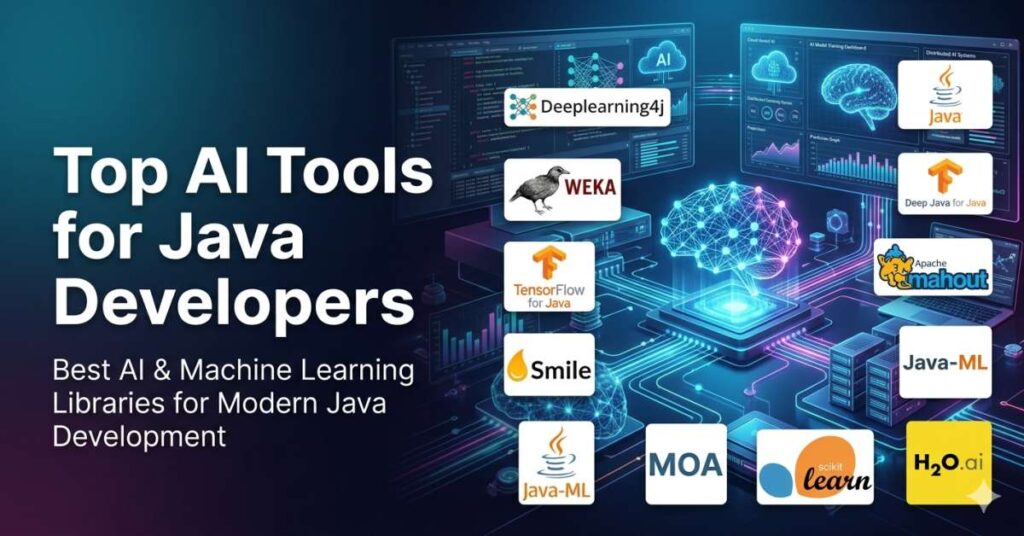
Top AI Tools for Java Developers
- Deeplearning4j
Deeplearning4j is a deep learning library for Java. It allows developers to build sophisticated neural networks and train models for various AI tasks, including image recognition and natural language processing.
Why it’s great: It’s a powerful deep learning framework that integrates seamlessly with Java applications, making it perfect for data-driven AI tasks.
- Weka
Weka is a machine learning library for Java that provides a wide range of tools for data mining, classification, clustering, and regression.
Why it’s great: A versatile tool for Java developers working with machine learning and data science applications.
- Deep Java Library (DJL)
DJL is an open-source deep learning library for Java that enables developers to build and train machine learning models using various deep learning engines like TensorFlow and PyTorch.
Why it’s great: It makes deep learning accessible to Java developers by providing a unified interface for popular deep learning frameworks.
- TensorFlow for Java
TensorFlow for Java allows developers to use TensorFlow’s machine learning models within Java applications. It provides a powerful platform for building AI-driven applications.
Why it’s great: Brings TensorFlow’s advanced machine learning capabilities to Java, enabling the development of cutting-edge AI applications.
- Smile (Statistical Machine Intelligence and Learning Engine)
Smile is a machine learning and statistical analysis library for Java that provides tools for data analysis, classification, clustering, and more.
Why it’s great: It’s an easy-to-use library for developers looking to integrate machine learning and statistical analysis into Java applications.
- Apache Mahout
Apache Mahout is a machine learning framework that runs on top of Hadoop. It’s used to build scalable machine learning models for data analysis, recommendation engines, and more.
Why it’s great: Perfect for Java developers working with big data who need scalable machine learning solutions.
- Java-ML
Java-ML is a machine learning library for Java that offers tools for classification, clustering, regression, and feature selection.
Why it’s great: A simple yet powerful tool for Java developers to incorporate machine learning into their projects.
- MOA (Massive Online Analysis)
MOA is a framework for data stream mining in Java, enabling developers to analyze and predict large streams of data in real time.
Why it’s great: Great for Java developers working with real-time data streams, providing tools to analyze large datasets on the fly.
- Scikit-learn for Java
Scikit-learn for Java brings the power of Python’s scikit-learn library to Java. It includes tools for classification, regression, clustering, and more.
Why it’s great: It allows Java developers to use one of the most popular machine learning libraries in Python, directly within Java applications.
- H2O.ai
H2O.ai offers machine learning and deep learning tools for Java developers, enabling them to build predictive models quickly and easily.
Why it’s great: Its fast and scalable architecture makes it a top choice for Java developers working on large-scale machine learning projects.
AI Tools for React Developers
React is one of the most popular JavaScript libraries for building user interfaces, especially for single-page applications. React’s declarative, component-based architecture makes it a go-to choice for creating interactive web apps. However, as React apps grow in complexity, developers need more than just React’s default features—they need smart, powerful tools to help them optimize performance, enhance user interactions, and automate tedious tasks.
AI tools can help React developers make their applications smarter by integrating features like natural language processing, real-time user feedback analysis, and even personalized recommendations based on user behavior. Let’s dive into the best AI tools for React development that will help you elevate your projects.
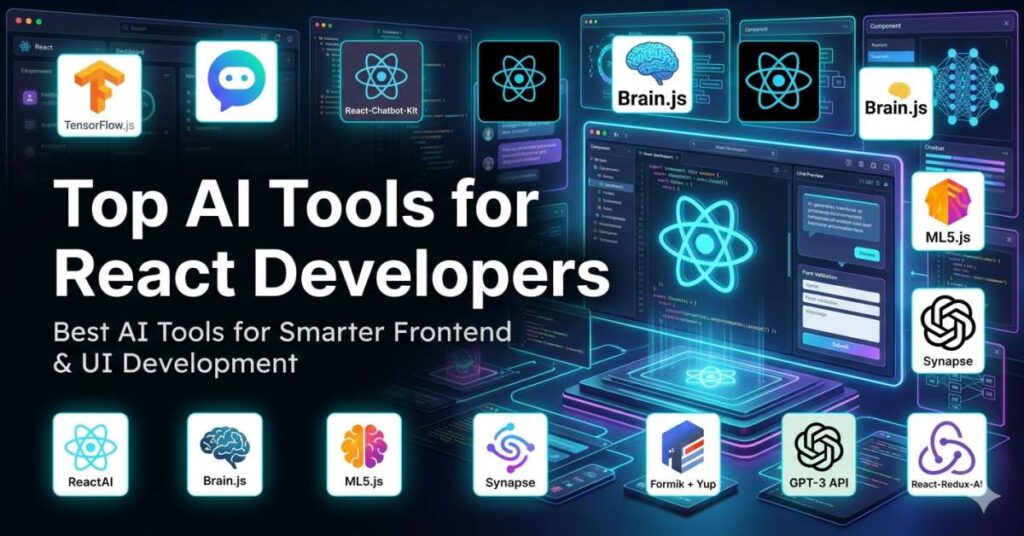
Top AI Tools for React Developers
- TensorFlow.js
TensorFlow.js is an open-source library that allows you to build and train machine learning models directly in the browser using JavaScript. For React developers, TensorFlow.js makes it easy to integrate machine learning into your apps without relying on external servers.
Why it’s great: You can run machine learning models directly in the browser, which makes it perfect for creating real-time, interactive applications powered by AI.
- BotUI (Chatbot Framework)
BotUI is an intuitive JavaScript framework for building conversational UIs. It’s often used to create simple yet powerful chatbots for React applications. BotUI uses AI to process user inputs and generate responses, making it ideal for adding interactive, conversational experiences to your website or app.
Why it’s great: BotUI simplifies the process of integrating AI-powered chatbots in React apps, improving user engagement with dynamic conversations.
- React-Chatbot-Kit
React-Chatbot-Kit is a customizable chatbot solution for React applications. It’s designed to integrate easily into React projects, providing tools for managing and deploying chatbots with AI-powered conversation logic.
Why it’s great: If you’re looking to quickly build and deploy a chatbot in your React app, this tool makes it easy with out-of-the-box features and seamless integration.
- ReactAI
ReactAI is a React library that allows developers to integrate artificial intelligence into their applications. This can include everything from facial recognition to voice commands. ReactAI makes it simple to connect your React apps with AI features such as image recognition or sentiment analysis.
Why it’s great: It’s a versatile and easy-to-use tool for adding AI functionalities like voice control or emotion detection to your React app.
- Brain.js (Neural Network)
Brain.js is a lightweight neural network library for JavaScript. It helps React developers add AI-driven features such as predictions, pattern recognition, and even game logic. Brain.js is particularly useful for small to medium-sized projects that need quick, real-time AI computations.
Why it’s great: It’s fast, flexible, and works directly within your React app, enabling you to implement machine learning algorithms like classification and regression models.
- ML5.js
ML5.js is a high-level machine learning library built on top of TensorFlow.js. It makes it easier for developers to add machine learning capabilities to web applications, including facial recognition, object detection, and even style transfer. ML5.js is particularly beginner-friendly, making it ideal for React developers who are just starting to experiment with AI.
Why it’s great: It simplifies machine learning tasks and integrates effortlessly into React, providing a beginner-friendly entry point for adding AI to web applications.
- Synapse (for NLP)
Synapse is a powerful natural language processing (NLP) library for JavaScript. It provides tools to analyze and understand text, making it perfect for adding AI-driven features like chatbots, voice interfaces, or content classification to your React apps.
Why it’s great: If you need NLP capabilities in your React app, Synapse offers a straightforward way to integrate them, whether you’re building a virtual assistant or content analyzer.
- AI-powered form validation (Formik + Yup)
AI-powered form validation tools like Formik and Yup integrate machine learning to validate user inputs intelligently. By utilizing AI, these tools can dynamically adjust validation rules based on past interactions, reducing friction for users when filling out forms.
Why it’s great: Enhances user experience by making form validation smarter and more responsive, ensuring that inputs are validated dynamically in real-time.
- ReactJS with GPT-3 API
The GPT-3 API by OpenAI allows you to integrate advanced conversational AI capabilities into your React applications. You can use GPT-3 to create intelligent, human-like chatbots, generate dynamic content, and even assist with coding tasks directly in your app.
Why it’s great: GPT-3 can generate high-quality, contextually relevant text, making it perfect for applications that need natural, dynamic conversations or content generation.
- React-Redux-AI
React-Redux-AI is a tool that combines Redux (a popular state management library) with AI. It uses machine learning to optimize state management in React apps, making your app faster and more responsive by predicting and managing changes in state dynamically.
Why it’s great: Helps optimize performance in complex React applications by using AI to predict and efficiently manage state changes.
Conclusion
AI is no longer just a buzzword; it has become an integral part of modern development across all domains, from mobile apps and websites to games and real estate applications. The AI tools we’ve explored in this guide provide developers with the power to create smarter, more efficient applications that not only meet but exceed user expectations. Whether you’re looking to enhance user interaction through AI-driven chatbots, automate complex processes, or integrate real-time machine learning models, there’s an AI tool out there that can make your job easier.
The real benefit of AI in development is that it allows you to focus on what really matters—creating innovative solutions and offering users experiences that are both intelligent and delightful. I encourage you to dive into these tools and experiment with the ones that best fit your projects. As AI technology continues to evolve, the opportunities for developers will only grow, and mastering these tools now will ensure you’re at the forefront of this technological revolution.


Leave a Reply